 Claude Code and SiteToMarkdown
Give Claude Fresh, Complete Project Context
Convert entire documentation websites into one clean Markdown file, then make that file part of your Claude Code workflow using CLAUDE.md, path-based rules, and memory best practices.
What this tutorial covers
- How to convert focused docs paths instead of noisy full websites.
- How to structure generated docs in your repo for Claude.
- How to use CLAUDE.md and .claude/rules without wasting context.
- How to prompt Claude explicitly to read the right reference file.
Why this workflow works for Claude Code
Claude performs best when it can rely on project-local sources. External docs are often split across many pages and full of non-essential web layout. SiteToMarkdown turns those pages into one focused reference file Claude can use repeatedly.
- Single links provide shallow context and often miss API edge cases.
- Manual copy/paste is slow and hard to keep synchronized with upstream docs.
- Huge instruction files reduce context efficiency and can lower adherence.
Recommended pattern
- Keep reference docs under
docs/ordocs/external/. - Keep
CLAUDE.mdconcise and instruction-focused. - Tell Claude exactly which file to read for each task.
- Use path-scoped rules for areas like billing, auth, or frontend.
Step-by-step: SiteToMarkdown + Claude Code
Follow this exact flow to give Claude a repeatable, up-to-date reference layer.
Step 1
Pick a focused docs path
Prefer URLs such as /docs, /docs/api, or /reference over broad marketing domains.
Step 2
Convert and save the Markdown
Run the conversion, then save the export under docs/ with a clear file name such as stripe-api.md.
Step 3
Add Claude instructions
In CLAUDE.md, instruct Claude to read the right docs file before implementation in that domain.
Step 4: Use path-scoped rules where useful
For larger repositories, add scoped files under .claude/rules/ so Claude loads docs guidance only where it matters.
---
paths:
  - "src/billing/**/*.ts"
---

Before changing billing code:
- Read docs/stripe-api.md
- Follow documented fields and webhook behavior
Step 5: Prompt Claude explicitly
"Read docs/stripe-api.md, then implement
subscription cancellation with webhook handling."

"Compare our auth flow against docs/internal-api.md
and list mismatches before editing code."
Direct file references dramatically improve reliability compared with implicit assumptions.
Claude workflow in practice
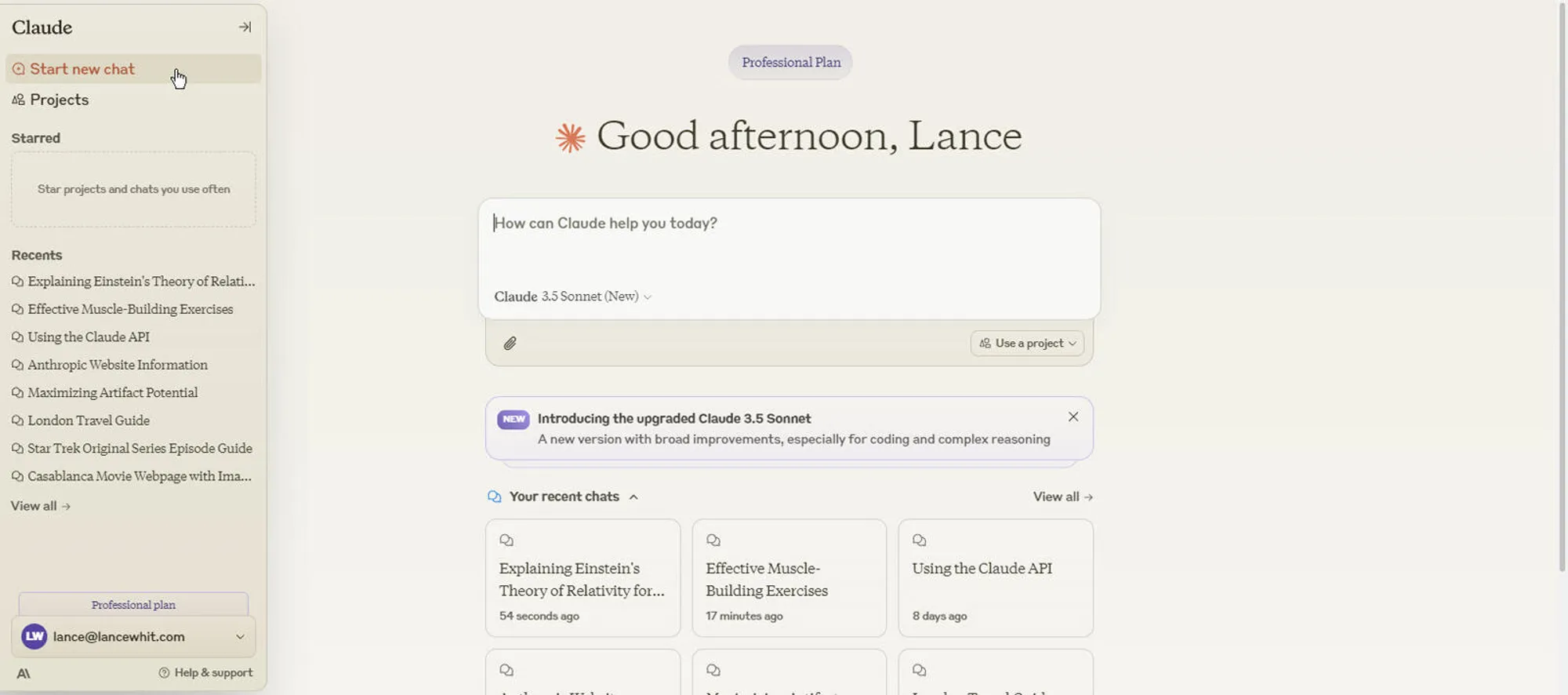
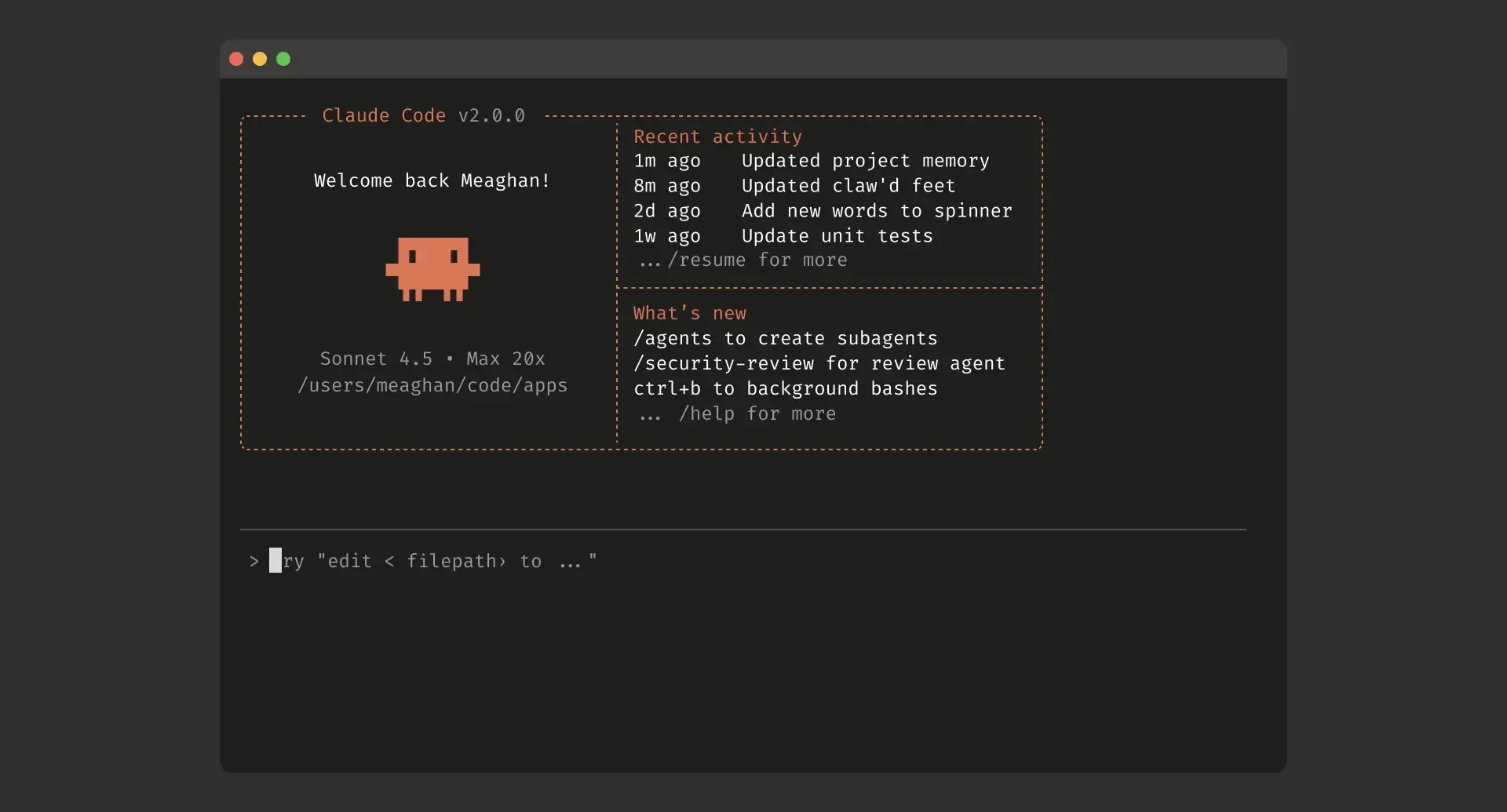
These screenshots show the two most important parts of the workflow: configuring Claude context and working with that context in real coding sessions.
Automate Claude reference refreshes with the API
If your team depends on fast-moving vendor docs, use the SiteToMarkdown API to regenerate Markdown references before sprint work starts.
- Schedule weekly conversion runs for external docs.
- Replace files under
docs/so Claude reads current references. - Keep
CLAUDE.mdshort while the reference files stay updated automatically.
Ready to make Claude context repeatable?
Convert your key docs sources into Markdown once, then let Claude reuse them across tasks through clear repository instructions.