 ChatGPT & SiteToMarkdown
Give ChatGPT the Full Context of Your Documentation
Don't rely on ChatGPT's training cutoff or slow web browsing. Convert entire documentation sites into a single, optimized Markdown file that you can upload to ChatGPT Projects and Custom GPTs.
Automate ChatGPT Project updates with the API
Use the SiteToMarkdown API to regenerate Markdown whenever docs change, then upload the latest export to your ChatGPT Project or Custom GPT knowledge files.
- Trigger a conversion when your docs release pipeline runs.
- Poll conversion status until the artifact is available.
- Use the new Markdown file to keep ChatGPT context aligned with the current docs version.
Why ChatGPT needs SiteToMarkdown
ChatGPT's file upload feature is powerful, allowing for synthesis, transformation, and extraction of data. However, it has strict limits:
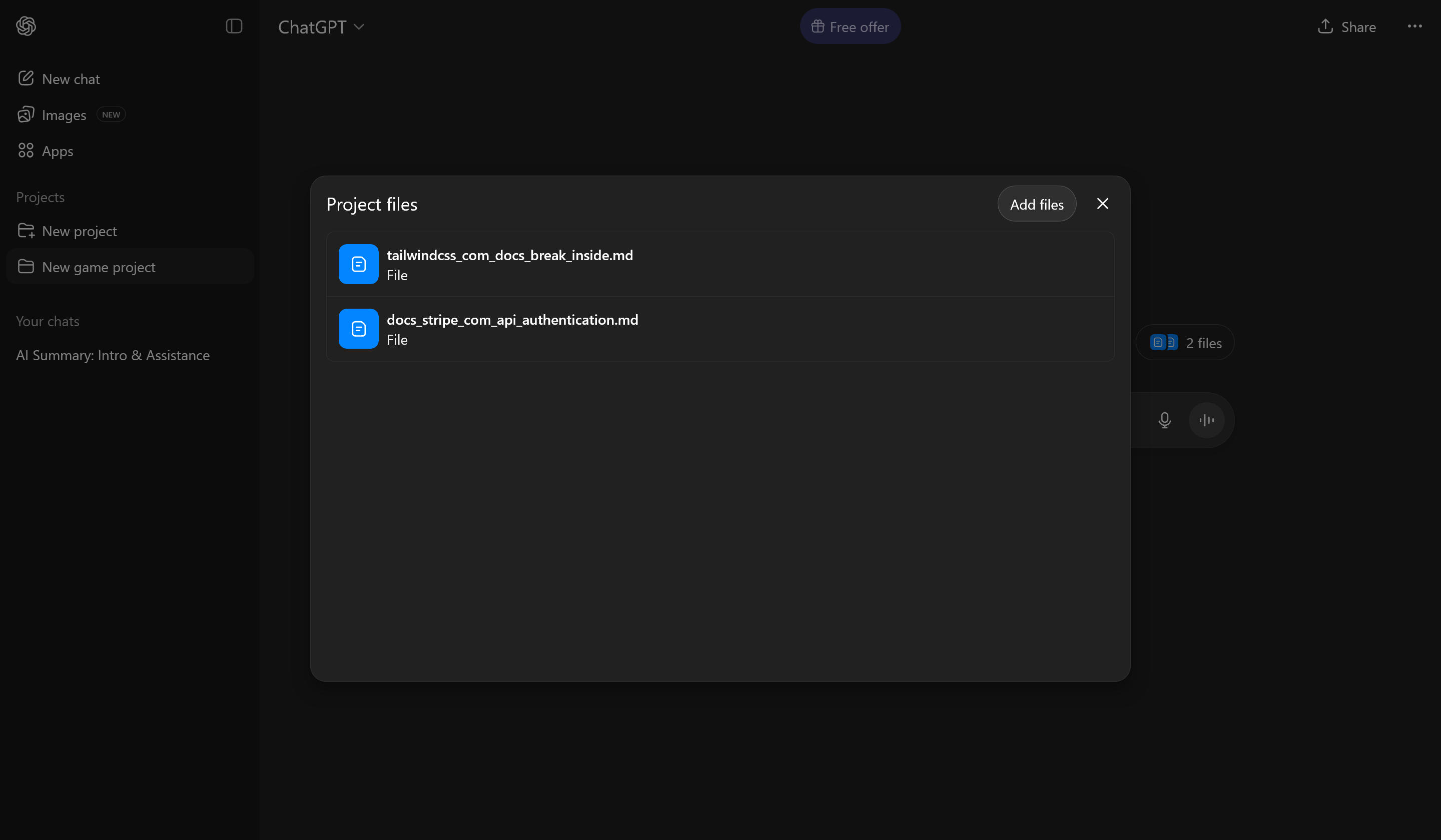
- File Count Limits: You are limited to 20 files per Project (Plus) or 40 files (Team). You can't upload a documentation site page-by-page.
- Browsing is Flaky: Asking ChatGPT to "read the docs" via Bing often fails on complex, JS-heavy sites or only reads the homepage.
- Training Cutoffs: ChatGPT doesn't know about the API changes released last week unless you provide the files.
The SiteToMarkdown Advantage
We crawl every page of a documentation site and merge it into a single Markdown file.
- Fits the Limits: One file takes up only 1 of your 20 available slots.
- Token Efficient: Markdown is stripped of HTML bloat, maximizing the 2M token limit per file.
- Persistent Context: Upload once to a Project, and the knowledge is available for every new chat.
Build a Knowledge Base for ChatGPT
Follow this workflow to give ChatGPT expert-level knowledge of any library or framework.
Generate the Markdown
Paste the URL of the documentation (e.g., stripe.com/docs) into SiteToMarkdown. We'll fetch all subpages and combine them into one clean file.
Upload to ChatGPT
Open ChatGPT and go to Projects or create a Custom GPT. Upload the Markdown file to the knowledge base.
Chat with Context
Start a new chat within that Project. ChatGPT will now reference the full documentation to answer questions, write code, and debug issues.